
7 Must-Have Tools for Managing Your Logistics Workforce

Table of Contents
- Tool 1: Warehouse Management System (WMS) For Daily Execution And Workforce Visibility
- Tool 2: Transportation Management System (TMS) To Coordinate Drivers, Loads, ETAs, And Exceptions
- Tool 3: Time And Attendance With Scheduling, Mobile Clock-Ins, And Location Controls
- Tool 4: Warehouse Labor Management System (LMS) To Turn Work Into Staffing Plans And Coaching
- Tool 5: Engineered Labor Standards (ELS) Software To Measure Productivity Fairly And Consistently
- Tool 6: Push-To-Talk (PTT) Communications To Replace Radio Chaos With Managed Channels
- Tool 7: Workforce Analytics And Performance Reporting That Leaders Will Actually Use
- Must-Have Logistics Workforce Tools
- Build The Stack, Then Run It Like An Operating System
If you want consistent service levels with fewer supervisor fire drills, you need a tight set of workforce tools that connect planning, execution, timekeeping, productivity, and frontline communication.
The right seven tools eliminate the two biggest causes of labor waste: blind handoffs between systems, and “management by hallway conversation.” You will get a practical view of what each tool does, where it fits (warehouse, yard, transportation, last mile), what to demand in demos, and what to implement first so adoption sticks.
Tool 1: Warehouse Management System (WMS) For Daily Execution And Workforce Visibility
A WMS is the execution engine that turns orders into work, then turns work into shipped product. When labor is tight, the WMS stops being “software the warehouse uses” and becomes your operating system for staffing decisions, because it shows what work is released, what work is queued, and what work is falling behind. You manage headcount more confidently when the WMS gives you real-time workflow status instead of yesterday’s reports.
For workforce management, the WMS matters most in the areas that supervisors live in every hour: task management, prioritization, exception handling, and visibility by zone, wave, or work type. If your team still prints pick sheets, relies on radio calls to reassign people, or uses spreadsheets to track who is trained on what, the WMS is not just “missing features,” it is missing operational control. A capable WMS reduces the time supervisors spend triaging and increases the time they spend coaching.
During selection, do not get distracted by glossy dashboards that look good in a conference room. Demand proof of floor-level usability: how fast associates can start a task, how exceptions are handled, how rework is tracked, and how easily a lead can move labor between replenishment, picking, packing, and shipping. Insist on visibility that helps staffing: backlog by work area, labor demand by hour, and the ability to pause, re-sequence, or reallocate work without breaking the plan.
Vendor research can help you build a short list without wasting months. Nucleus Research’s 2025 WMS Technology Value Matrix names vendors across categories like Leaders, Experts, Accelerators, and Core Providers, which helps you sanity-check whether you are looking at platforms that match your operation size and complexity. You still need to validate fit in your own building, but using an industry map keeps the demo list from turning into a popularity contest.
Tool 2: Transportation Management System (TMS) To Coordinate Drivers, Loads, ETAs, And Exceptions
A TMS is the control tower for freight once it leaves a facility, and it is also the tool that stabilizes dispatcher workload. When dispatch has a shared system for planning, tendering, tracking, and managing exceptions, the team stops relying on memory, sticky notes, and phone tag. That shift changes workforce performance immediately because you remove hidden labor from the day: duplicate calls, repeated status checks, and manual re-entry across carrier portals.
From a workforce angle, the TMS prevents a common failure pattern: supervisors overstaff the dock “just in case” because transportation status is unclear. If yard moves, appointments, live loads, and late arrivals are not visible, labor planning becomes defensive, and defensive planning gets expensive. A TMS that supports tracking and exception workflows lets you staff to reality and redeploy labor when plans change.
Definitions vary across vendors, but the core expectation is consistent: a Transportation Management System supports planning, monitoring, and executing the physical movement of goods, and centralizes transportation processes so teams can choose modes and carriers, track freight, reroute, and measure performance with KPIs. When evaluating, ask how the TMS handles appointment changes, detention tracking, proofs, accessorials, and billing, because those are the tasks that quietly consume coordinator time.
Integration is the part that makes or breaks value. Push for a design where the TMS shares shipment status with customer service, shares appointment and arrival signals with the warehouse, and feeds performance metrics back to leadership without manual downloads. If you cannot connect execution and labor, you will still manage with gut feel, just with nicer screens.
Tool 3: Time And Attendance With Scheduling, Mobile Clock-Ins, And Location Controls
Payroll accuracy is not a “back office” issue in logistics, it is an operations issue. When punches are missed, meal rules are unclear, or shift changes happen in text messages, supervisors become timekeepers, and timekeeping steals leadership capacity. A dedicated time and attendance system gives you payroll-grade hours, cleaner schedules, and an audit trail that reduces disputes.
For warehouses, the practical baseline is a kiosk or shared device clock at entry, role-based schedules, and exception workflows for missed punches, late starts, early outs, and approvals. For yards, cross-docks, and mobile teams, location-aware controls reduce “I was there” arguments and cut supervisor time spent mediating. The goal is not surveillance, it is fewer corrections and faster payroll closure.
Geofencing is one of the most useful features for field and multi-site operations when it is implemented with clear rules. Hubstaff describes geofence time tracking as GPS-based boundaries on mobile devices that can automate clock-ins and clock-outs when workers enter or leave a job site, which reduces missed punches and improves attendance accuracy. When labor is split across facilities, that automation prevents payroll from being a recurring operational disruption.
When comparing tools, use mainstream rankings as a quick market check, then validate logistics fit. TechRadar’s 2025 list highlights platforms that emphasize scheduling, integrations, and mobile use across business sizes, including options like Rippling and Deputy among others. The detail that matters in logistics is not the marketing page, it is how fast a supervisor can correct a punch, how approvals route, how schedules publish, and how well the system handles shift differentials and overtime triggers.
Tool 4: Warehouse Labor Management System (LMS) To Turn Work Into Staffing Plans And Coaching
A WMS tells people what task to do. A labor management system tells you how effectively the work gets done, how much labor you need tomorrow, and where performance gaps sit by process, shift, and individual. If your building runs on “tribal knowledge” about who is fast, who is careful, and who needs support, you are paying for inconsistency every day.
Manhattan Associates positions labor management as software that measures performance against engineered and dynamic labor standards, adds real-time digital communication, and can include incentives and gamification tied to daily tasks. That combination matters when you need sustained throughput without constant supervisor intervention. Done well, it moves coaching from end-of-week blame sessions to same-shift feedback, when changes still matter.
The decision to add an LMS should be based on operational triggers, not trend pressure. If you manage high headcount, multiple work types, high seasonality, or multiple buildings, a labor layer often pays off because it standardizes expectations and gives leaders a consistent view of direct and indirect time. If supervisors rely on anecdotes and memory, staffing will remain reactive and overtime will remain the safety valve.
In demos, demand transparency in how performance is calculated. Ask how the LMS handles indirect labor, paid breaks, congestion, equipment downtime, and training time so the numbers do not become a credibility problem on the floor. You want a system your leads will use daily, not a report your management team reviews monthly.
Tool 5: Engineered Labor Standards (ELS) Software To Measure Productivity Fairly And Consistently
Engineered labor standards create a consistent definition of “a fair day’s work” by process. That consistency is what enables fair coaching, fair incentives, and consistent staffing across shifts and sites. Without engineered standards, productivity discussions turn into arguments about who had the hard zone, who got stuck with bad pallets, and who had the slow conveyor.
Connors Group markets engineered labor standards software (LaborPro) as a way to organize labor models and manage labor management tasks with an engineered standards foundation. Whether you choose Connors Group or another provider, the point is the same: you need a repeatable method to set expectations per task, then measure performance against those expectations. That measurement must be explainable to supervisors and credible to the workforce.
ELS is also a leadership tool because it exposes hidden waste that staffing alone will never fix. If performance drops every afternoon, the issue could be replenishment timing, dock congestion, battery swaps, or equipment availability, not “people not working hard.” Standards let you separate process issues from performance issues, which keeps coaching targeted and prevents morale problems caused by blaming the workforce for system failures.
Implementation discipline matters more than the contract. Build standards with real operational conditions, review exceptions, and adjust for sustained process changes. If leadership treats standards as a one-time project, adoption will fail and supervisors will revert to gut feel, which puts you back where you started.
Tool 6: Push-To-Talk (PTT) Communications To Replace Radio Chaos With Managed Channels
Frontline communication is a workforce tool because it determines how quickly small issues get resolved. When a replenishment miss takes ten minutes to find the right person, you lose more productivity than many leaders realize. Push-to-talk apps reduce that waste by making communication immediate, channel-based, and easier to manage across shifts and locations.
Microsoft Teams Walkie Talkie provides a push-to-talk experience that turns iOS and Android devices into walkie-talkies and connects users through the same Teams channels they are already members of. Microsoft notes that Walkie Talkie supports standard and private channels, works over Wi-Fi or cellular data, and requires connectivity to function. That matters for logistics because many facilities have coverage gaps, and PTT quality depends on network readiness.
Teams Walkie Talkie is attractive when your organization already standardizes on Teams and wants centralized admin control. Microsoft documents that Walkie Talkie is managed through the Teams admin center, requires enabling the app at the org level, assigning app permission policies, and pinning the app through setup policies. Operationally, this gives you governance that traditional radios cannot match, which helps in shared-device environments and multi-site rollouts.
Dedicated PTT platforms like Zello focus on radio-like simplicity with dispatch-oriented features. Zello positions its service as a push-to-talk walkie-talkie app, and its Dispatch offering is designed for centralized oversight of talk groups and activity. The choice comes down to how you want to manage users, devices, channels, and oversight, plus whether you need dispatch-specific capabilities beyond basic team channels.
Tool 7: Workforce Analytics And Performance Reporting That Leaders Will Actually Use
Reporting is the tool that keeps the other six tools honest. Without a consistent performance layer, leaders chase symptoms: overtime spikes, missed cutoffs, high turnover, or customer complaints. With a clear reporting layer, you see drivers of performance: labor utilization by area, plan vs actual staffing, exception rates, and time lost to non-value work.
The most valuable workforce reporting is not a wall of charts. It is a tight set of operational questions answered daily: where backlog is building, what work type is underperforming, which shifts are missing plan, where indirect time is rising, and what exceptions are repeating. If supervisors cannot act on the report in the next hour, the report becomes noise.
Make reporting a shared language across warehouse, transportation, and labor planning. Tie WMS throughput to staffing, tie TMS exceptions to dock labor changes, and tie time and attendance exceptions to schedule changes. When leaders share the same numbers, meetings get shorter and decisions get faster.
Operational adoption improves when reporting is aligned to roles. Build a supervisor view focused on today, a manager view focused on trends, and an executive view focused on service, cost, and risk. A single dashboard for everyone satisfies no one, and it usually ends as a PDF that nobody reads.
Must-Have Logistics Workforce Tools
- WMS for warehouse execution
- TMS for dispatch, tracking, and exceptions
- Time and attendance with scheduling and mobile options
- Labor management system for standards and coaching
- Engineered labor standards software for fair productivity
- Push-to-talk communications for instant coordination
- Workforce analytics for daily decisions
Build The Stack, Then Run It Like An Operating System
The seven tools work when they operate as one connected system: WMS for task execution, TMS for freight control, time and attendance for payroll-grade hours, LMS and engineered standards for fair productivity management, push-to-talk for rapid issue resolution, and analytics that turn data into daily actions. Selection matters, yet implementation and adoption decide ROI, so prioritize integrations, floor usability, and supervisor workflows over feature checklists. Use standards to separate process waste from performance gaps, and use communication tools to close the loop in real time without supervisors playing phone operator. When these pieces are in place, staffing becomes deliberate, throughput becomes predictable, and leadership time shifts from chasing problems to running the operation.
Related Posts

How to Build a Business Case for a New Supply Chain Software
Learn how to build a supply chain software business case with...

Your Warehouse Workers Are Your Biggest Untapped Asset
Treat warehouse workers as a business asset to improve accuracy, safety,...

7 Best Software Solutions for Cold Chain Compliance and Safety
Discover the 7 best cold chain software solutions for compliance, temperature...
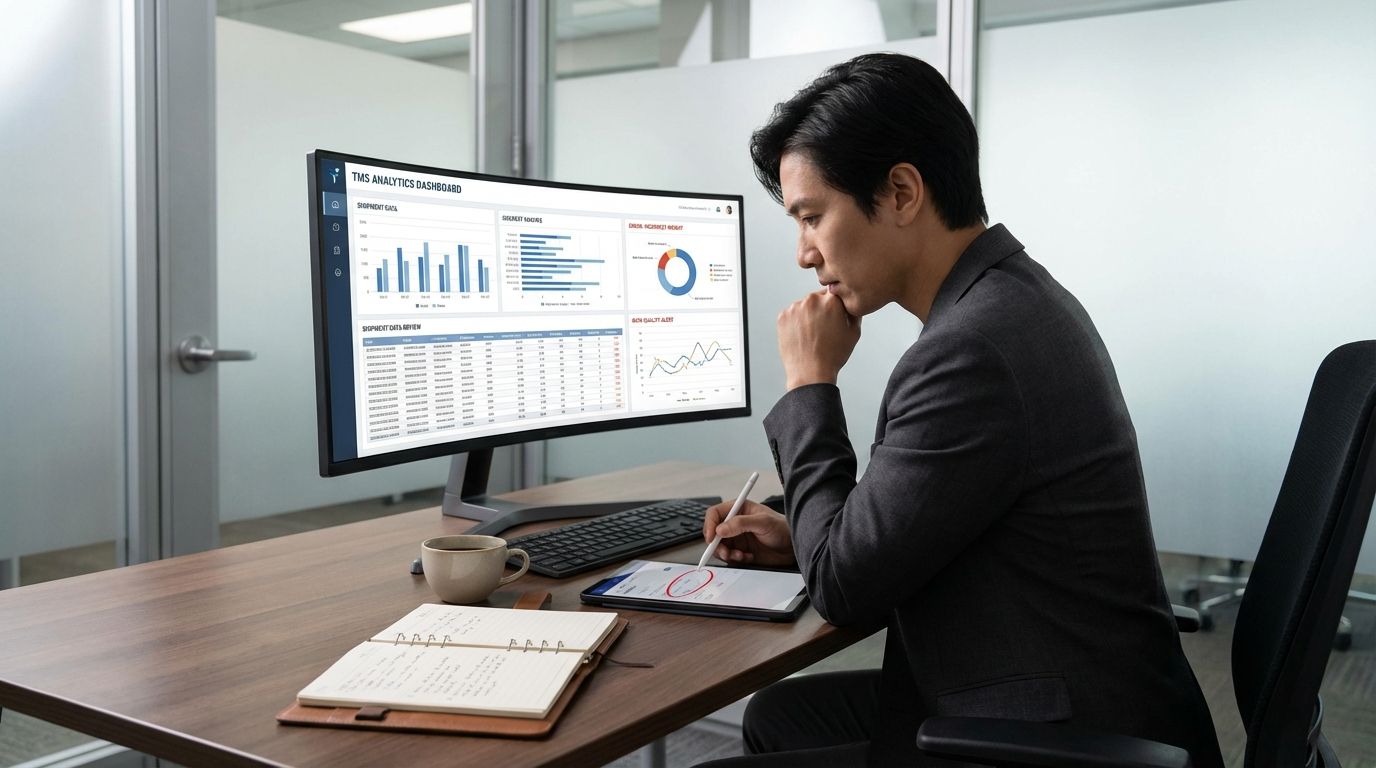
The Data Your TMS Provides Is Probably Wrong. Here’s Why.
TMS data accuracy issues can distort ETA, cost, and service reporting....